For students and families
Proctored exams,
right in the room.
Exam Phase opens in a browser on your device, with nothing to install. Use the class code and the name your teacher gives you.
On your screen
Your questions, in front of you.
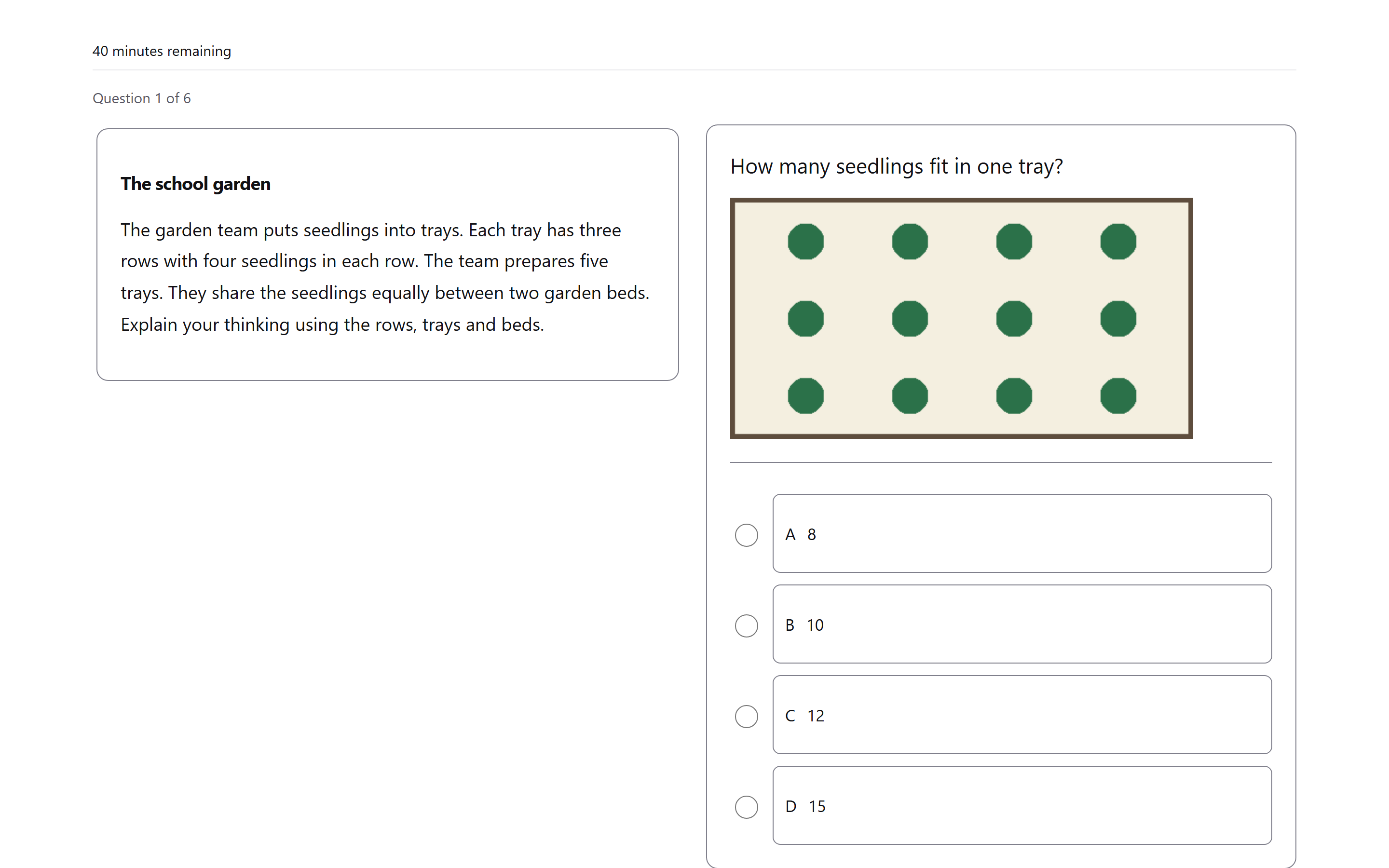
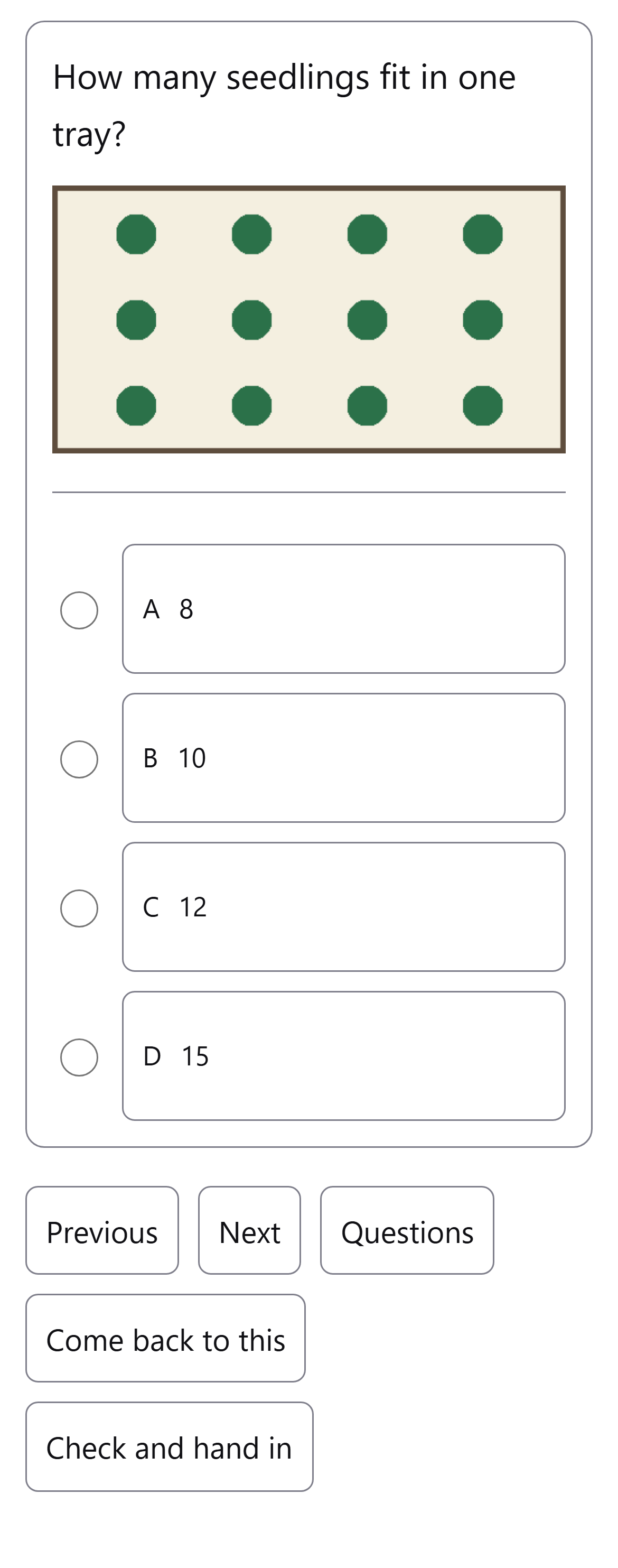
You see one question at a time. With free movement, open Questions to choose any question and mark Come back to this for work you want to revisit.
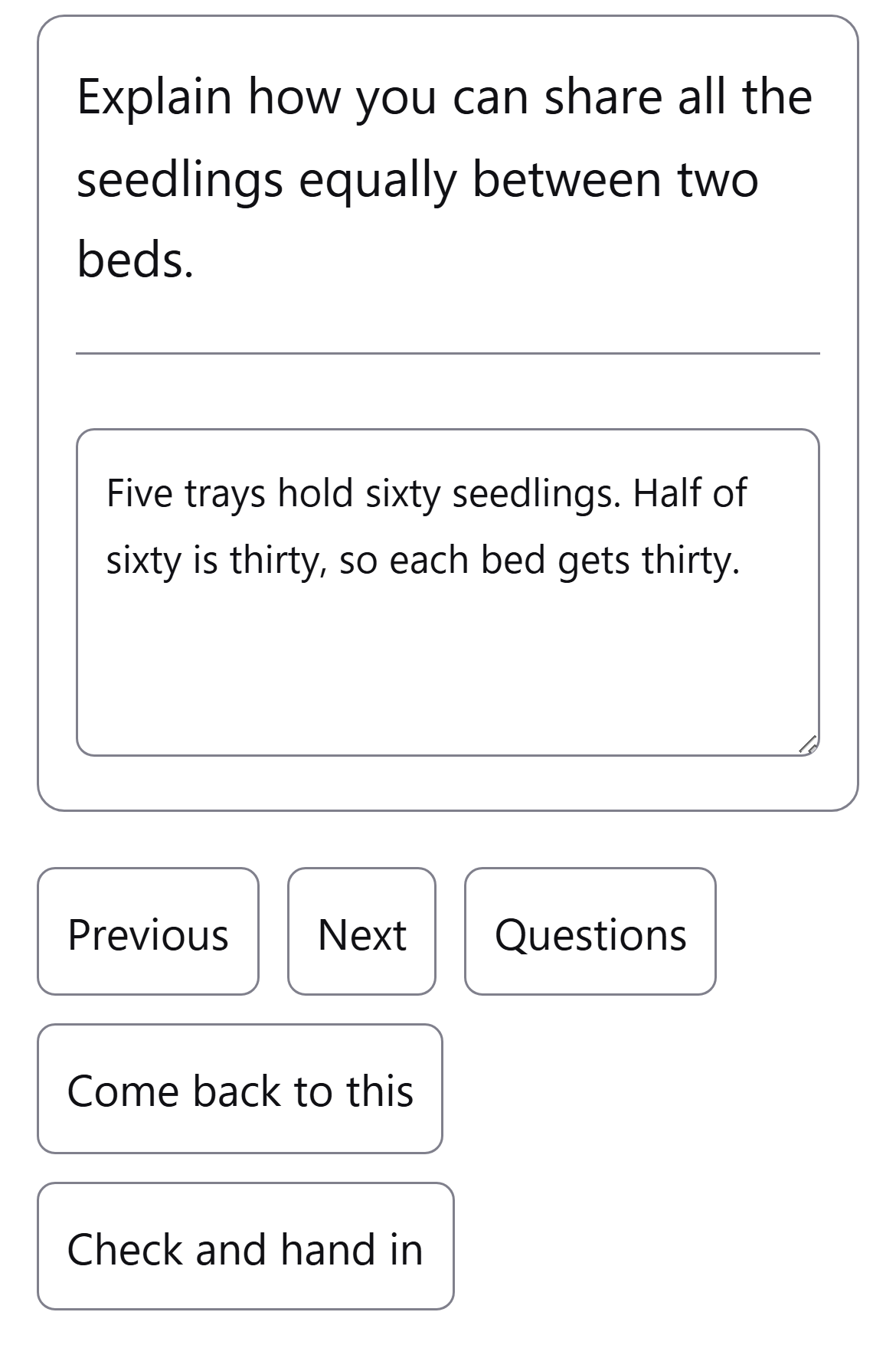
Use Check and hand in when you are ready. You can change your answers until you choose Hand in.
A code. Your name.
-
Open the exam address
Open the address your teacher shows, or scan the QR code. Your device needs to be on the same network as the teacher’s computer.
-
Enter the class code
Type the class code and tap your name. Joining needs no account, password or email address.
Answer in the browser
A phone, tablet or computer.
Exam Phase works on any device with a browser. Depending on the paper, you may choose an answer, enter a number or write an explanation.
During the sitting
If the exam pauses, look to your teacher.
When time runs out, your attempt pauses. Your teacher can add time or end it.
Your teacher sees when the exam page is left. The board flags the page being hidden, losing focus or leaving full screen.
Moving to another device
Pick up at the same question.
If a device stops working, the student moves to another one in the room and taps their name again. The exam comes back at the same question, with any typed answer still there. If the first device is still connected, the teacher confirms the move.
Your teacher follows the sitting.
The live board shows your teacher who has joined, each student’s progress and who is paused. Your teacher can pause, resume or end the sitting.
Ready when the class is.
Your teacher opens the sitting for the class. Join using the address, class code and name they provide.